May 16, 2026 • Declan Marsh • 8 min reading time • Prices verified June 11, 2026
SD Cards for Mirrorless Cameras: The Spec-Sheet Jargon Decoded and the Right Card for Every Body
If you’ve ever stood in a camera shop — or stared at an Amazon listing — looking at a memory card and wondered what “V60,” “UHS-II,” or “A2” actually means and whether you’re about to waste thirty dollars or ruin a shoot, you’re not alone. An SD card (Secure Digital card) is the small removable chip that stores your photos and videos inside the camera. Every card has a label covered in symbols and speed ratings that manufacturers use to signal how fast data can flow on and off the card. The problem is that those symbols weren’t designed to be readable by humans — they were designed to satisfy a standards committee. This guide translates every label that matters, explains which specs actually affect real shooting situations, and gives you a concrete card recommendation matched to your camera body.
| EDITOR'S PICK[SANDISK 256GB Extreme PRO SDXC](https://www.amazon.com/dp/B0BPR9JTKS?tag=greenflower20-20)… | Mid-tier【5-Years Data Recovery】 GIGASTO… | Budget pick[SanDisk 128GB Ultra SDXC UHS-I](https://www.amazon.com/dp/B0BSG5DKZQ?tag=greenflower20-20)… | |
|---|---|---|---|
| Capacity | 256GB | 128GB | 128GB |
| Speed Class | U3, V30 | U3, V30 | U1 |
| Read Speed | — | — | 100MB/s |
| Video Support | 4K UHD | 4K UHD | Full HD |
| A1 Rating | — | ✓ | — |
| Price | $84.99 | $49.99 | $33.90 |
| See on Amazon → | See on Amazon → | See on Amazon → |
The Speed Hierarchy: UHS Bus, Video Speed Class, and Why Both Matter
There are two parallel rating systems printed on nearly every SD card you’ll encounter, and confusing them is the single most common reason photographers buy the wrong card.
The bus interface — UHS-I vs UHS-II (and the emerging UHS-III)
The “bus” is the physical connection between the card and your camera’s slot. Think of it like a highway: more lanes means more data can move at once.
- UHS-I cards have a single row of pins on their back edge. The theoretical maximum throughput is 104 MB/s, though real-world speeds are closer to 80–95 MB/s for the fastest UHS-I cards.
- UHS-II cards add a second row of pins, pushing theoretical maximums to 312 MB/s. In cameras that support the UHS-II slot, owners consistently report clearing buffers dramatically faster between bursts.
- UHS-III exists on paper (624 MB/s theoretical) but as of mid-2026 remains rare in mainstream cameras. SD Express — a newer standard covered briefly below — is the more likely successor in flagship bodies.
The critical catch: if your camera only has a UHS-I slot, a UHS-II card will work, but it will run at UHS-I speeds. You pay the UHS-II premium and get none of the benefit. Photography Life’s breakdown of SD card generations confirms this limitation explicitly — the slot, not the card, is the ceiling.
Video Speed Class (V-ratings): the number that actually governs video
The V-rating — printed as V6, V10, V30, V60, or V90 — tells you the card’s guaranteed minimum sustained write speed in megabytes per second. This is the number that determines whether the card can keep up with continuous video recording without dropping frames.
| V-Rating | Min. Sustained Write | Practical Use Case |
|---|---|---|
| V30 | 30 MB/s | 4K/30p in most mirrorless bodies |
| V60 | 60 MB/s | 4K/60p, 6K/30p, high-bitrate ALL-I codecs |
| V90 | 90 MB/s | 8K, RAW video, Cinema RAW Light, ProRes RAW |
DPReview’s buffer and card-speed testing notes that V-ratings are floor guarantees, not ceilings — a well-made V60 card may sustain 130 MB/s in a UHS-II slot, but it will never drop below 60 MB/s under normal operating conditions. That floor is what matters when you’re recording a ceremony or a sports sequence you can’t re-do.
The older Class ratings (C10, U1, U3)
These are legacy labels. The “C” circle with a number inside (Class 10 = minimum 10 MB/s write) and the “U” symbol with a 1 or 3 inside (U1 = 10 MB/s, U3 = 30 MB/s) predate the V-rating system. Any card worth buying today carries at least a V30 rating, which supersedes U3. Wirecutter’s SD card guide recommends ignoring C and U ratings entirely when evaluating cards for modern mirrorless use — the V-rating tells you more and is directly comparable.
Matching the Card to the Camera Body
This is where the rubber meets the road. The right card depends on your specific slot configuration and shooting priorities.
Entry-level mirrorless with a single UHS-I slot (Sony ZV-E10 II, Canon EOS R50, Nikon Z30)
Here, a UHS-II card is wasted money. The sweet spot is a fast UHS-I card with a V30 rating — enough headroom for 4K/30p and still reasonably fast when clearing a burst of JPEGs. Sandisk Extreme and Lexar Professional 1066x are frequently cited by owners in this tier as reliable performers without overspending. Budget around $25–$45 for a 128 GB card. Spending more than that on UHS-II or V60 in a UHS-I body delivers zero measurable benefit.
Prosumer mirrorless with UHS-II support, single slot (Sony A7C II, Fujifilm X-T5, Canon EOS R7)
This is where V60 UHS-II cards earn their price. Owners of the Fujifilm X-T5 in particular — a 40-megapixel body that pushes large RAW files at high burst rates — consistently report that a V60 UHS-II card like the Sony Tough M series or Sandisk Extreme PRO UHS-II meaningfully reduces buffer recovery time compared to UHS-I alternatives. Budget $60–$100 for a 128 GB card in this class. If you’re shooting 6.2K open-gate video on the X-T5, a V90 card is worth the step up.
Dual-slot professional bodies (Sony A7R V, Sony A9 III, Nikon Z8, Canon EOS R5 Mark II)
These bodies often pair a UHS-II SD slot with a CFexpress Type A or Type B slot. The practical decision: use CFexpress for your primary (faster buffer, better sustained writes for 8K or high-speed RAW) and UHS-II SD as backup or overflow. If you’re running SD-only (budget or preference), V90 is the right call — Petapixel’s coverage of high-speed mirrorless workflows notes that anything below V90 risks write throttling during extended 4K/120p or 8K RAW recording sessions on the R5 series.
Medium-format and cinema-adjacent bodies (Fujifilm GFX 100S II, Blackmagic Pocket Cinema Camera 6K)
The GFX 100S II accepts UHS-II SD, and its 102-megapixel compressed RAW files are large enough that V90 UHS-II cards are the practical minimum. The BMPCC 6K primarily shoots to CFast 2.0 or USB-C SSDs, but if you’re using its SD slot for proxy or stills, a fast V60 UHS-II is sufficient for that secondary role. Lens Rentals’ reliability analysis of cards used in rental inventories over multi-year periods consistently points to ProGrade Digital and Sony Tough as the brands with lowest failure and corruption rates across high-write-cycle use — a meaningful data point for rental operators or photographers doing multi-day destination shoots.
Three Specs That Sound Important but Rarely Are
“Read speed” on the packaging
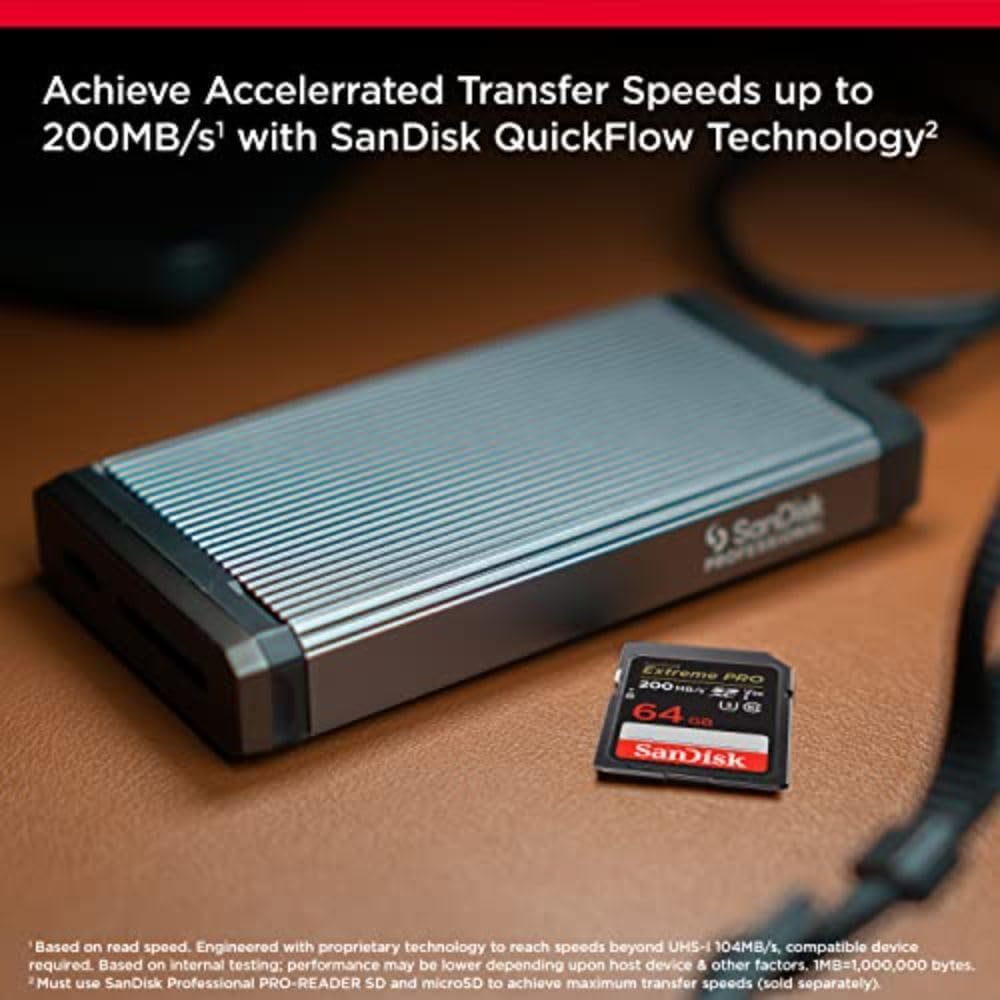
Manufacturers lead with read speed — often 200, 280, or even 300 MB/s — because it’s a big number. Read speed matters when you’re transferring files to your computer. It means almost nothing during shooting. What limits your camera during a burst is write speed. Photography Life’s explainer on card ratings flags this marketing sleight of hand as one of the most persistent sources of buyer confusion.
Application Performance Class (A1 vs A2)
The A-rating governs random read/write performance — relevant for Android smartphones running apps from a card. For cameras, sequential write speed is what matters, and A2 cards don’t reliably outperform A1 cards in camera use. If a card happens to be A2, fine; it shouldn’t be a deciding factor.
Capacity beyond your practical session length
A 512 GB card sounds reassuring. But a single card failure during a wedding would be catastrophic whether the card is 128 GB or 512 GB. In dual-slot bodies, experienced photographers typically run two matched 128 GB or 256 GB cards in simultaneous backup mode rather than one large card. In single-slot bodies, two smaller cards rotated gives you the same protection. The Wirecutter SD card guide makes this point directly: redundancy across multiple cards is the more practical risk mitigation than capacity maximization.
A Note on SD Express and What’s Coming
SD Express is the next-generation standard, using the PCIe interface (the same technology inside fast laptop SSDs) inside the familiar SD card form factor. Theoretical speeds reach 985 MB/s for SD Express 7.0 and beyond. As of May 2026, only a handful of cameras — primarily in the industrial and gaming handheld segments — have launched with SD Express slots. Petapixel’s coverage of the SD Express rollout suggests mainstream mirrorless adoption is 18–24 months out for the mid-tier and 12 months for flagships, with pricing still at a significant premium over UHS-II. Worth knowing, not worth waiting for unless you’re buying a flagship body in late 2026 or beyond.
The Decision Rules
Here’s where it lands. Match your choice to your situation:
If your camera has a UHS-I slot only → Buy a fast UHS-I card with V30 or V60 rating. Spend $25–$50. Any additional spend on UHS-II is waste.
If your camera has a UHS-II slot and you shoot stills-primary → A V60 UHS-II card is the practical ceiling of what you’ll benefit from. V90 is defensible if you shoot high-megapixel bodies (40 MP+) in sustained bursts.
If your camera has a UHS-II slot and you shoot video-primary at 4K/60p or above → V90 UHS-II is not optional. The guaranteed 90 MB/s floor is what keeps high-bitrate codecs from throttling mid-clip.
If your body has CFexpress + SD dual slots → Use CFexpress Type A or B as primary, UHS-II SD V60 or V90 as backup. Don’t equalize the slots; let each do what it’s designed for.
If you’re renting or evaluating before buying → Check LensRentals’ current inventory for the body you’re considering. The card slot configuration is always listed, and many rental bundles include appropriately matched cards — a useful way to confirm the pairing before committing to purchase.
The spec sheet on an SD card is not trying to help you. It’s trying to impress you. Once you know that the V-rating is the number that governs your shooting, that the bus interface has to match your slot, and that read speed is a file-transfer stat dressed up as a performance claim, the noise falls away and the right card becomes an obvious, affordable decision.